
Fake CAPTCHAs: How Cybercriminals Trick You Into Hacking Yourself
Cybersecurity threats are evolving fast, and one of the most alarming attack vectors in 2025 is the Fake CAPTCHAs scam, also known as ClickFix. At first glance, it looks harmless—just another “I’m not a robot” checkbox you’ve seen thousands of times. But behind that illusion lies a sophisticated form of social engineering that tricks users into running malicious code on their own systems.
This blog explains how fake CAPTCHAs work, why AI is making them more dangerous, and what steps you can take to protect yourself.
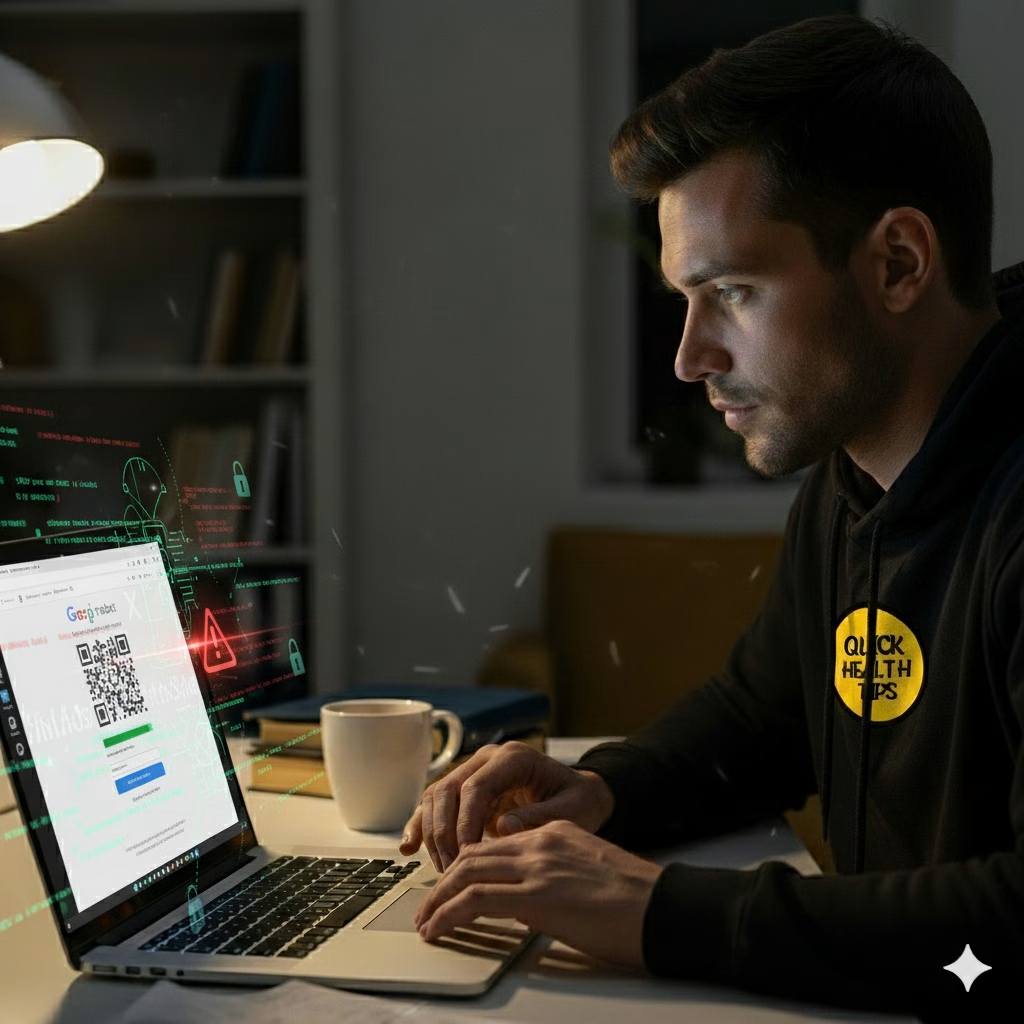
How Fake CAPTCHAs Work
In a typical ClickFix attack, users are presented with a fake CAPTCHA screen while browsing online. Instead of simply clicking a box, the site instructs them to:
- Press Windows + R to open the Run dialog.
- Paste a string of code provided by the attacker.
- Press Enter, unknowingly executing malware.
For a tech-savvy user, the red flags might be obvious. But for the average internet user—especially when under pressure to “verify” their identity—this can seem like a legitimate step. It’s social engineering at its most effective: attackers don’t need to bypass your defenses if they can convince you to open the door yourself.
AI’s Role in Modern Cybercrime
Artificial intelligence has added fuel to this fire. Attackers are now using AI to:
- Write convincing phishing emails with perfect grammar.
- Generate malicious code that adapts to different environments.
- Create polymorphic malware capable of changing its behavior on the fly.
Research from MIT Technology Review highlights how AI-assisted attacks are rising rapidly, with up to 30% of phishing kits showing signs of machine-generated content in 2025.
This makes detection harder, as the lures look more polished and believable than ever before.
FileFix: The Next Evolution
Beyond ClickFix, security researchers are warning about FileFix, a variant where attackers instruct victims to paste malicious commands directly into the Windows File Explorer address bar. Just like with fake CAPTCHAs, the victim unknowingly compromises their system by following “helpful” instructions.
This technique leverages built-in operating system tools, making it difficult for antivirus programs to catch. According to the Cybersecurity and Infrastructure Security Agency (CISA), living-off-the-land attacks—where native system functions are abused—are among the hardest to detect and prevent.
How to Protect Yourself from Fake CAPTCHAs
Defending against these attacks requires both technical safeguards and user awareness:
- Think before you paste: Never copy commands from untrusted websites.
- Use updated security tools: Modern endpoint detection and response (EDR) systems are better equipped to catch unusual activity.
- Educate users: Most attacks succeed because of human error, not system flaws. Training employees to spot suspicious prompts is critical.
- Apply system restrictions: IT administrators can disable risky functionalities through Windows registry tweaks to limit potential abuse.
For businesses, investing in security awareness training and zero-trust architecture can drastically reduce the risks.
👉 Since many attacks exploit system-level weaknesses, strengthening your knowledge of the Linux file system structure can help you identify anomalies caused by malware.
👉 For advanced users, our deep dive on the Linux kernel and operating system security explores how attackers exploit the core of Linux systems.
Final Thoughts
Fake CAPTCHAs may seem like a minor annoyance, but they represent one of the fastest-growing social engineering threats in 2025. As AI continues to empower both defenders and attackers, the real battleground is not technology—it’s human psychology.
Cybersecurity isn’t just about firewalls and antivirus software anymore. It’s about awareness, critical thinking, and education. If you want to stay protected, remember this simple rule:
👉 If a website asks you to paste code into your computer, it’s a trap.

